
Word search puzzles have been a favorite activity for generations. They’re fun, educational, and suitable for people of all ages. Today, they’ve become even more engaging thanks to easy-to-use digital tools that let you create personalized puzzles featuring your own words, themes, names, or special memories in just a few clicks.
Whether you’re a teacher creating classroom activities, a parent planning a birthday party, or someone looking for a unique gift idea, a custom word search puzzle is a simple and creative way to make any occasion more memorable.
In this guide, you’ll learn how to make a personalized word search and explore ideas for creating puzzles that are both entertaining and meaningful.
What Is a Personalized Word Search?
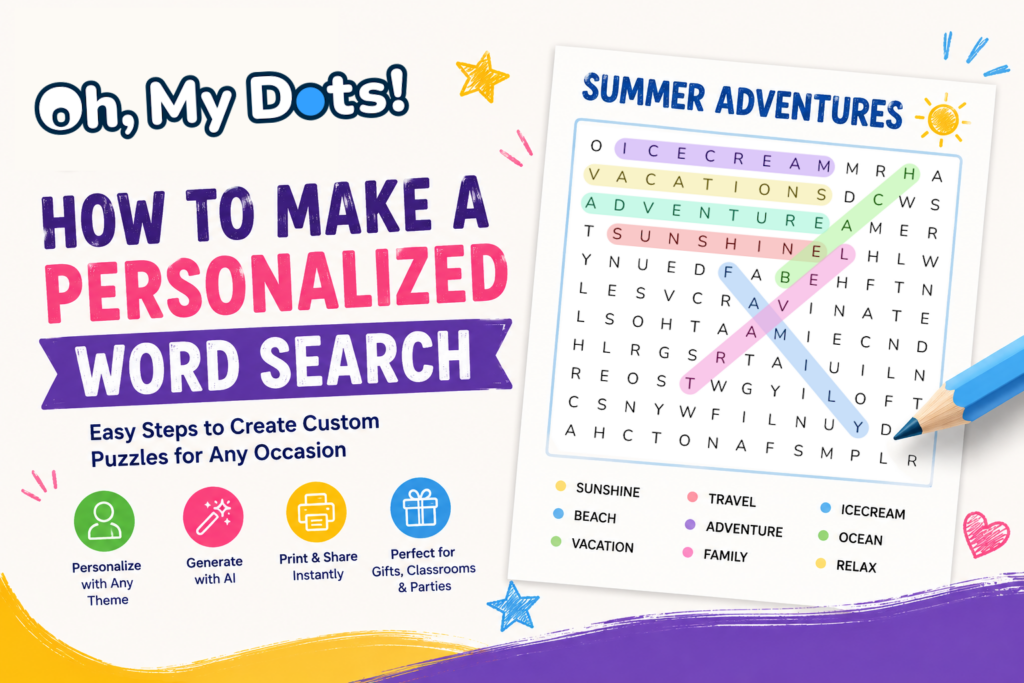
A personalized word search is a custom puzzle that contains words chosen by you rather than generic vocabulary.
Instead of random words, your puzzle can include:
- Family names
- Birthday party themes
- Wedding-related words
- Classroom vocabulary
- Sports teams
- Favorite movies
- Holiday traditions
- Company values
- Travel destinations
- Inside jokes
Because the words are personally relevant, the puzzle becomes more engaging and memorable.
Why Create a Custom Word Search?
Personalized word searches are incredibly versatile.
Educational Benefits
Teachers often use custom word searches to reinforce learning by including:
- Vocabulary words
- Historical figures
- Scientific terms
- Foreign language practice
- Reading assignments
Students enjoy the challenge while naturally reviewing important concepts.
Unique Gifts
A personalized word search can become a thoughtful gift for:
- Birthdays
- Anniversaries
- Weddings
- Baby showers
- Graduations
- Retirement celebrations
Including names, dates, and meaningful memories adds a personal touch that standard gifts cannot match.
Party Activities
Custom word searches make excellent activities for:
- Birthday parties
- Family reunions
- Bridal showers
- Corporate events
- Holiday gatherings
Guests enjoy searching for words that relate to the occasion.
Step 1: Choose a Theme
The best word searches start with a clear theme.
Popular ideas include:
Family
- Names of family members
- Favorite places
- Shared hobbies
- Family traditions
School
- Weekly vocabulary lists
- Science terms
- Geography topics
- Literature characters
Holidays
- Christmas
- Halloween
- Easter
- Valentine’s Day
Special Events
- Weddings
- Baby showers
- Graduation parties
- Retirement celebrations
A focused theme makes the puzzle more enjoyable and easier to solve.
Step 2: Create Your Word List

Next, select the words you want to include.
You can create your list manually, or make the process much faster by using modern puzzle tools like Oh, my Dots, which allow you to quickly generate themed word lists and build puzzles in seconds.
Many creators simply use the “Generate with AI” feature, where you enter a theme (such as space, dinosaurs, weddings, or summer vacation), choose the number of words, and instantly receive a relevant word list.
This is especially useful for teachers, parents, and event organizers who need themed puzzles quickly without spending time brainstorming vocabulary.
A good puzzle typically contains:
Easy Puzzles
- 10–15 words
- Short word lengths
- Younger children
Medium Puzzles
- 15–25 words
- Mixed word lengths
- Older children and adults
Advanced Puzzles
- 25–50 words
- Long and complex words
- Experienced puzzle enthusiasts
A mix of short and long words creates a more interesting challenge.
Step 3: Choose the Difficulty Level
Difficulty depends on several factors:
Grid Size
Smaller grids are easier:
- 10×10
- 12×12
- 15×15
Larger grids increase difficulty:
- 20×20
- 25×25
- 30×30
Word Directions
Easy puzzles use:
- Horizontal
- Vertical
More difficult puzzles may include:
- Diagonal
- Backward
- Multiple directions
Number of Words
More words increase complexity and solve time.
Step 4: Generate the Puzzle
Traditionally, creating a word search required manually arranging letters inside a grid. Today, online generators make this process instant and accurate.
Platforms such as Oh, my Dots automate the entire process.
Simply:
- Enter your word list
- Select grid size
- Choose difficulty settings
- Generate the puzzle
- Download or print
What used to take a long time can now be done in under a minute.
Step 5: Customize the Design
Many modern tools also let you refine the final look of your puzzle.
You may be able to:
- Add a title
- Create printable worksheets
- Generate answer keys
- Adjust layout and style
These options help create polished puzzles suitable for classrooms, events, or gifts.
Creative Personalized Word Search Ideas
Need inspiration?
Birthday Word Search
Include:
- Birthday person’s name
- Age
- Favorite foods
- Hobbies
- Friends’ names
Wedding Word Search
Include:
- Bride and groom names
- Wedding location
- Important dates
- Honeymoon destination
Classroom Word Search
Include:
- Spelling words
- Science vocabulary
- Historical events
- Geography terms
Travel Memory Puzzle
Include:
- Cities visited
- Landmarks
- Restaurants
- Vacation highlights
Company Team Building Puzzle
Include:
- Employee names
- Core values
- Departments
- Products
These puzzles work well as icebreakers for meetings and events.
Printable vs Online Word Searches
Both formats have advantages.
Printable Word Searches
- Screen-free activity
- Classroom-friendly
- Easy distribution
- Great for travel
Online Word Searches
- Instant access
- Mobile-friendly
- Interactive solving
- No printing required
Many creators use both depending on the occasion.
Frequently Asked Questions
How many words should a word search contain?
Most puzzles contain 10–30 words depending on difficulty and audience.
Can I create a word search from names?
Yes, names are one of the most popular uses for personalized puzzles.
Are personalized word searches educational?
Absolutely. They are widely used in classrooms to reinforce vocabulary and subject learning.
Can I print a custom word search?
Yes, most generators allow downloadable and printable formats.
What is the easiest way to create a word search?
Using a dedicated generator—such as Oh, my Dots—automates grid creation and word placement, saving time and effort.
Create Your Own Personalized Word Search Today
Creating a personalized word search is a fun and easy way to celebrate special occasions, reinforce learning, and entertain friends, family, or students.
With modern tools like Oh, my Dots, you can turn any list of words into a professional-quality puzzle in seconds. Whether you’re planning a classroom activity, a party game, or a unique gift, a custom word search adds a personal touch that people will remember.
Start creating your own personalized word search today and bring your ideas to life through puzzles